

QR+ : Contactless QR Code Ordering for Modern Dining
Core Features
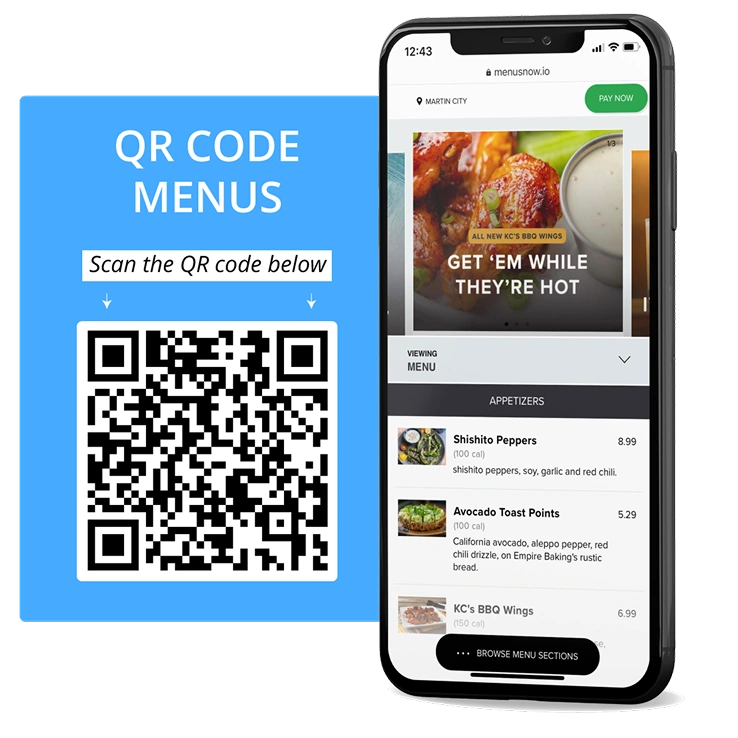
Digital Menus on Demand
Scan & view instantly: customers scan a table-side QR code to access your live menu from any smartphone browser. Custom-branded interface: showcase your menu with images, descriptions, and pricing, styled for your brand.
Seamless Ordering Flow
Self-ordering capability: let guests add items to cart and send orders straight to the kitchen. Optional table service or counter pickup: flexibly serve dine-in, takeaway, or room-service formats.
Real-Time Menu Sync
Instant menu updates: add, edit, or remove items and combos in real time via your RetailPOS backend. Out-of-stock indicators: instantly reflect unavailable items, no more manual cross-outs.
Smart Recommendations & Add-ons
Upsell with modifiers & add-ons: suggest toppings, sides, and upgrades as part of the order journey. Highlight special items or combos: tag bestsellers, chef specials, and limited-time offers for visibility.
Built for Contactless, Convenient Dining
QR+ helps you move away from static paper menus and toward a dynamic, data-driven menu experience.
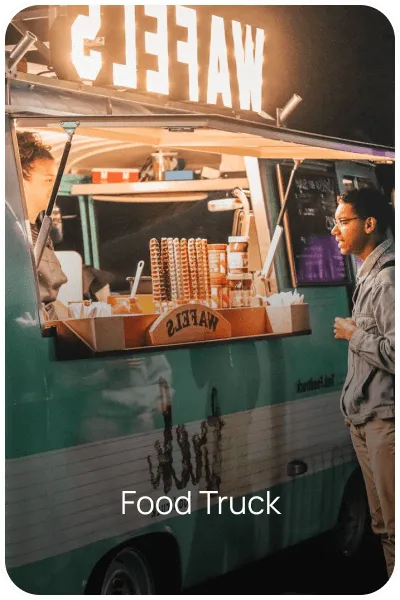
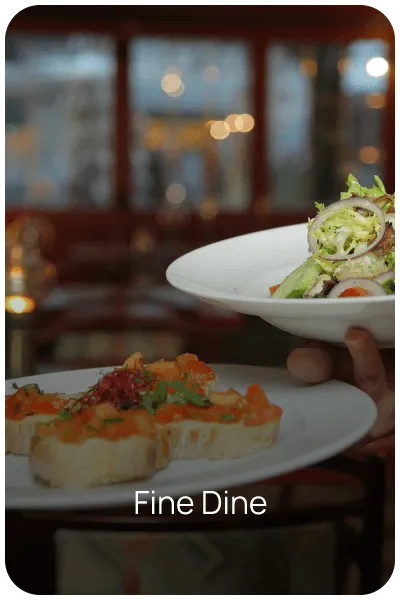
From food trucks to fine dining, QR+ improves hygiene, saves printing costs, and enhances ordering efficiency.
No app download. No waiting. Just scan, order, and enjoy.
Always Up to Date
Update pricing, availability, or design in real-time from your POS panel.
Multi-language Ready
Support regional and multilingual menus for diverse guest profiles.
Works with POS, Kiosk, and KDS
Orders flow directly into your RetailPOS ecosystem with no manual entry.
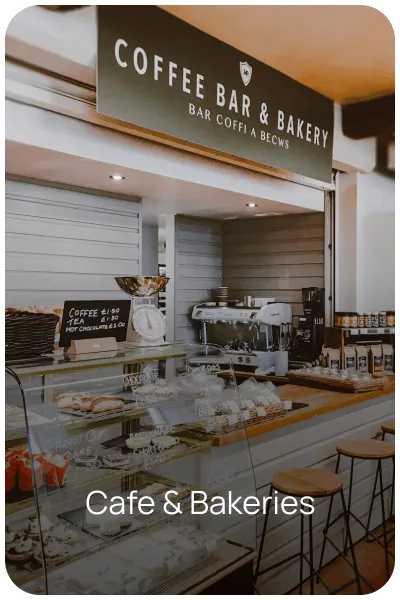
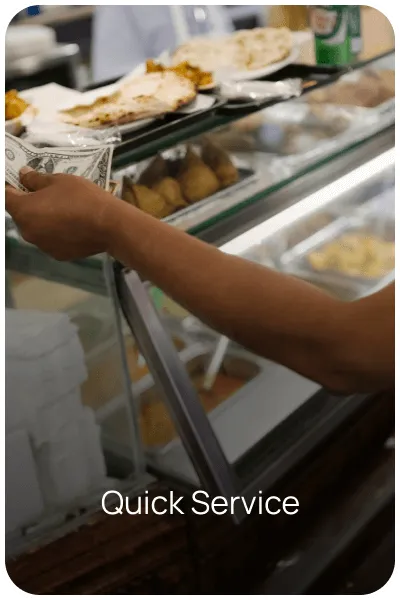
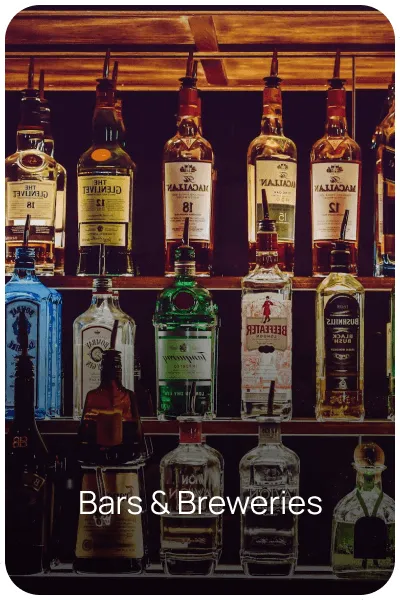
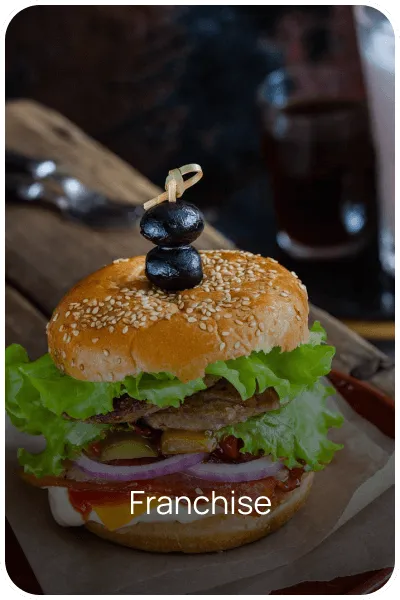
Built for All Types of F&B Businesses
How QR+ Works

Guests Scan the Table QR Code
No app download. The menu opens instantly in any smartphone browser.

Guests Browse, Customize, and Order
Add-ons, modifiers, and special item tags guide guests toward bigger, better orders without staff needing to upsell manually.

Orders Flow Straight to Your Kitchen and POS
No manual entry. Orders sync directly with your RetailPOS backend, KDS, and kitchen workflow the moment they're placed.
QR+ or QSR+? Which One Do You Need?
Since both live under our Restaurant product line, it’s a common question. QR+ is specifically your QR code menu and contactless ordering system, guests scan, browse, and order from their own device. QSR+ is a broader quick-service restaurant management system covering counter billing, order queuing, and QSR-specific operations. Many restaurants use both together: QR+ for guest-facing ordering, QSR+ for counter and kitchen operations.
Not sure which fits your setup? Talk to our team.
Trusted by 10,000+ businesses across the globe
Frequently asked questions
A QR code ordering system lets restaurant guests scan a code at their table to view the menu, place an order, and in some setups pay, directly from their own smartphone browser, with no app download required.
No. QR+ opens directly in any smartphone's web browser after scanning the table QR code, removing the friction of an app download or account signup.
Yes. Menu changes, price updates, and out-of-stock items can be updated instantly from your RetailPOS backend and reflect immediately on every guest's QR menu.
Yes. Orders placed through QR+ flow directly into your RetailPOS backend, KDS, and kitchen workflow automatically, with no manual order entry required.
Yes. QR+ works for any F&B format, from food trucks and cafes to franchise chains and fine dining, scaling from a single location to multiple outlets.
Yes. QR+ supports regional and multilingual menus, useful for restaurants serving diverse guest profiles across different regions.
Most restaurants can launch a QR+ menu in under 24 hours, since it runs on your existing RetailPOS backend rather than requiring separate setup.