
Restaurant POS Software with Built-In Inventory Management for Every Outlet
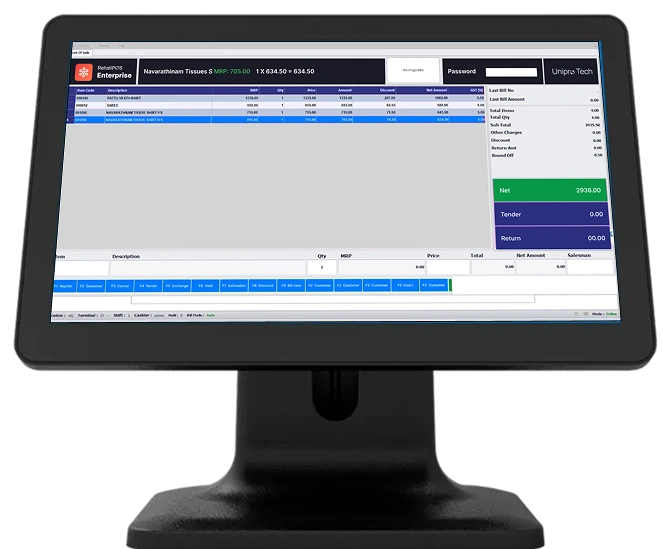
Built for all types of F&B businesses:
One Platform for Every Food and Beverage Format
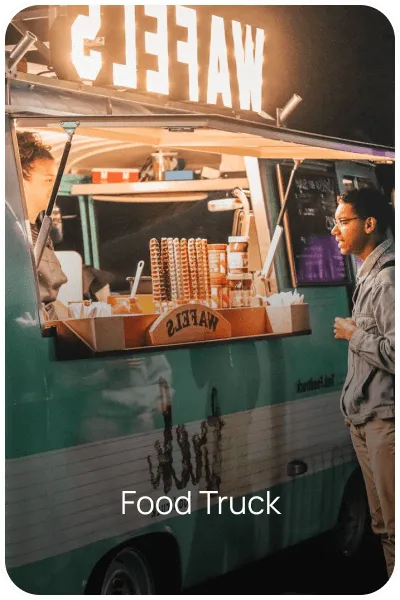
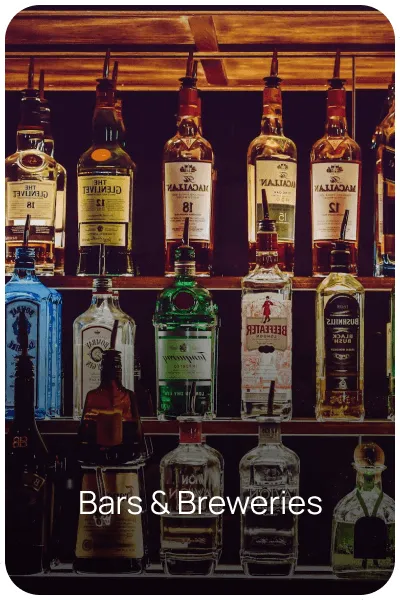
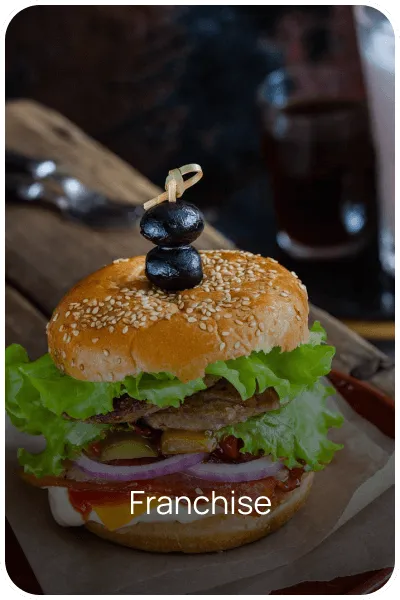
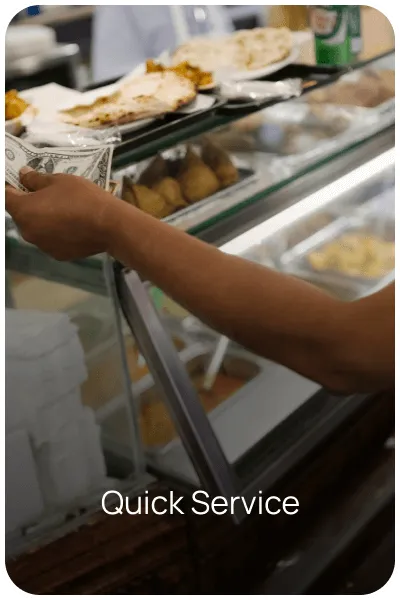
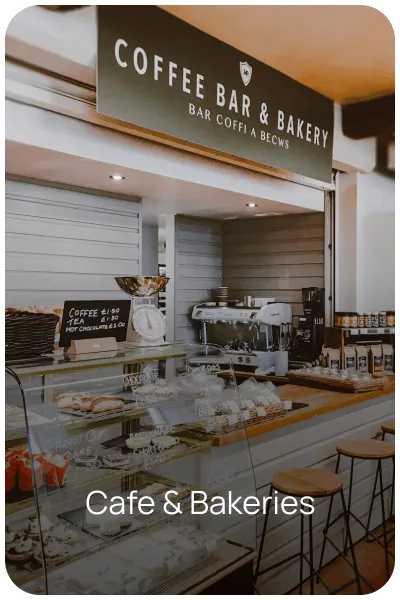
Manage billing, kitchen operations, and inventory across food trucks, bars and breweries, franchise restaurant chains, quick service restaurants, cafes and bakeries, and fine dining, all from a platform that adapts to how each format actually runs, rather than forcing every business into the same workflow.

Why Choose RetailPOS for Restaurants?
Restaurant POS Software Built Around Real Kitchen and Counter Problems

Fast Billing with Smart UI

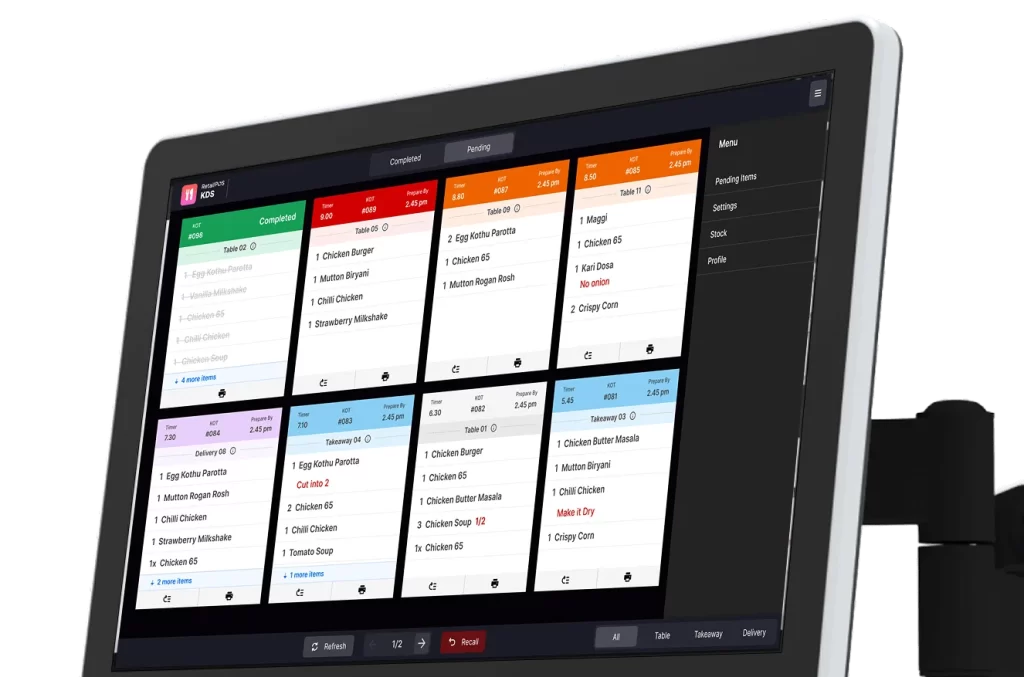
Kitchen Display System (KDS) and KOT Integration

Multi-Mode Ordering

Recipe and Inventory Management

Online Aggregator Integrations

CRM, Loyalty and Feedback

Mobile Management

Cloud and Offline Support
How we build trust
Supercharging the Metrics That Drive Success
Restaurant Inventory Management Software That Actually Understands Recipes, Not Just SKUs
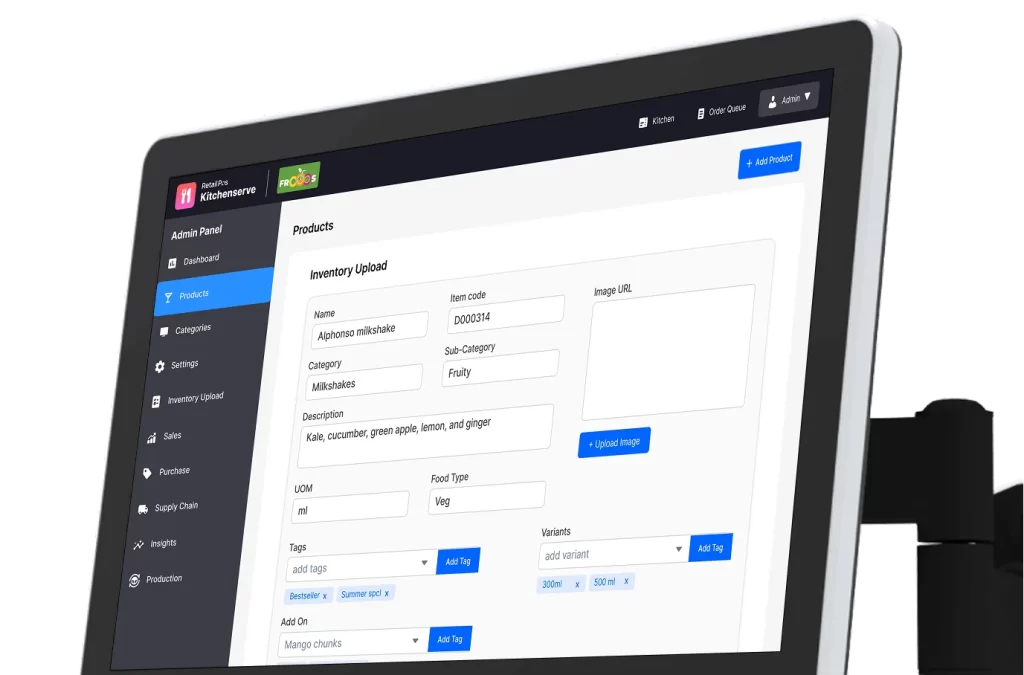
Generic retail inventory software tracks products. Restaurants need something more specific: inventory that understands recipes. When a dish sells, RetailPOS’s restaurant inventory management system automatically deducts the exact ingredient quantities used in that recipe from your stock, giving you real-time, ingredient-level visibility instead of end-of-day manual counts.
This is the core difference between generic stock software and true restaurant inventory management software, and it is where most restaurants lose visibility, and money, without realizing it.
What RetailPOS restaurant inventory tracking covers:
- Recipe-based stock deduction. Every sale automatically reduces the exact ingredients used, based on your defined recipe, so stock levels reflect actual usage, not estimates.
- Precise recipe costing. Know the real cost of every dish on your menu, based on current ingredient prices, so pricing decisions are based on actual margin, not guesswork.
- Wastage and loss control. Track spoilage, over-portioning, and prep waste as part of your normal inventory workflow, so shrinkage becomes visible and correctable instead of an unexplained monthly loss.
- Vendor and purchase tracking. Compare supplier pricing and manage purchase orders directly from the same system used for billing and kitchen operations, instead of a separate spreadsheet.
- Expiry and perishable tracking. Get alerts on ingredients approaching expiry, so purchasing and menu planning can respond before stock becomes a write-off.
- Multi-outlet inventory visibility. For restaurant chains and franchise operations, this restaurant stock management system gives head office a consolidated, real-time view of ingredient stock across every location, alongside outlet-level detail for local ordering decisions.
Why this matters for your bottom line: Food cost is typically one of the largest controllable expenses in a restaurant business. Restaurant inventory control software that ties directly into your billing and recipe data means every ingredient variance shows up quickly, not at the end of a manual monthly stock take, when the loss has already happened and the cause is hard to trace.
A Complete Suite of RetailPOS Solutions
Explore the RetailPOS Restaurant Product Suite
RetailPOS for restaurants is a connected ecosystem of billing, kitchen, and self-service tools designed to work together, so your counter, kitchen, and stockroom are always in sync.



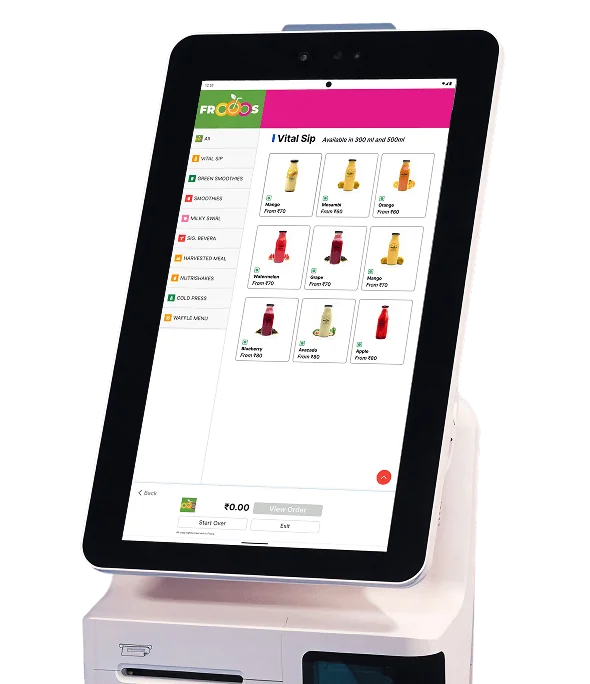
A self-service ordering kiosk that lets guests place and pay for their own orders, reducing counter queues and freeing up staff for food preparation and service.


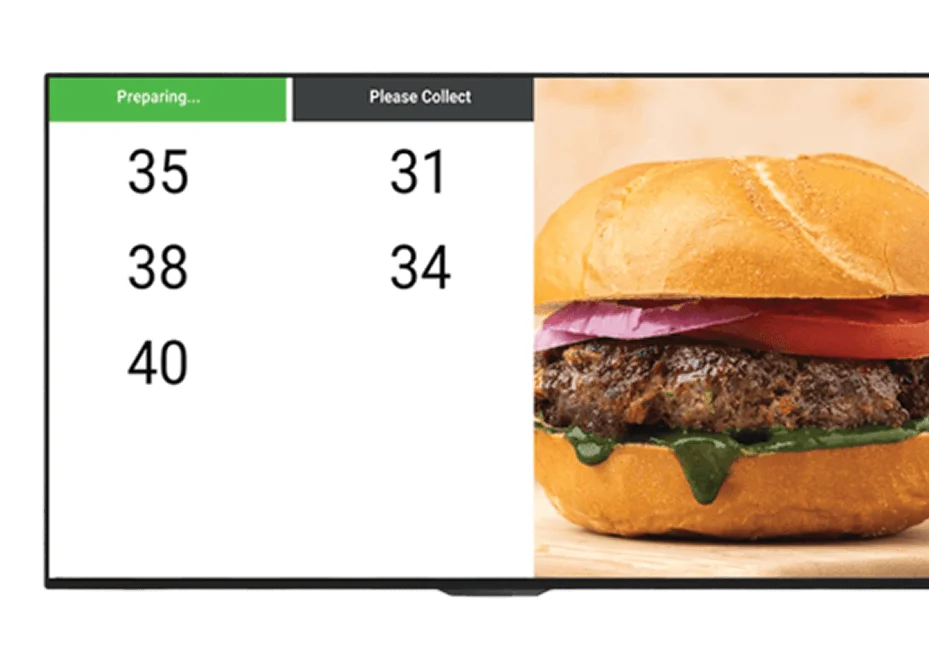

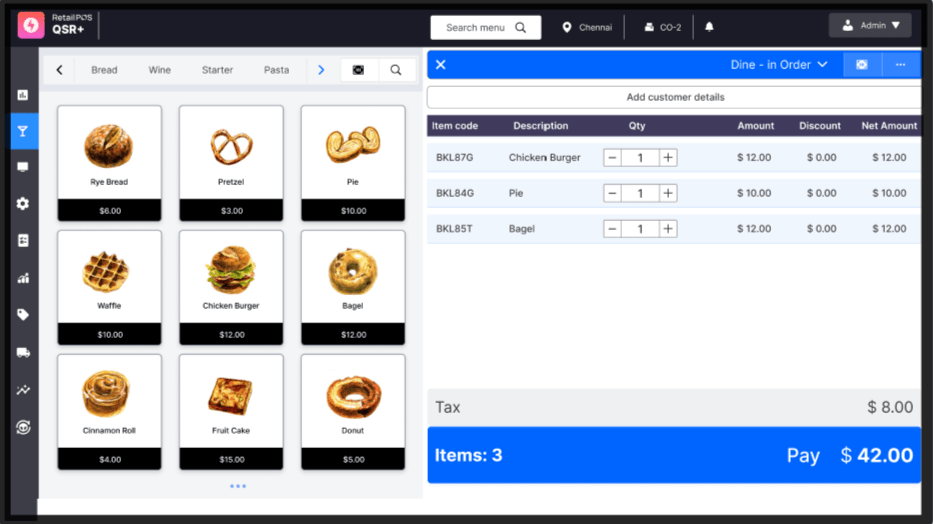
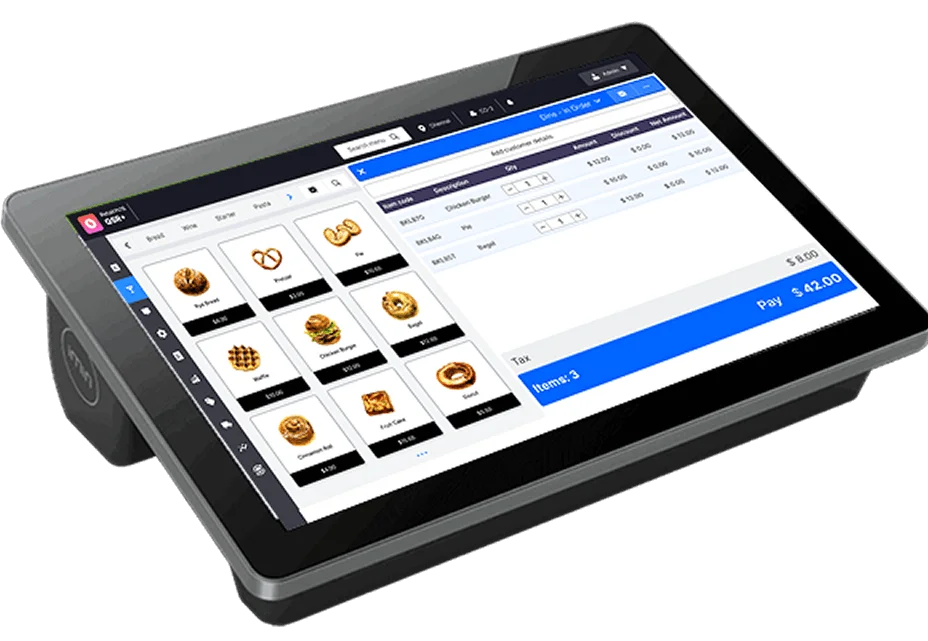
A point-of-sale system purpose-built for quick service restaurant speed and volume, optimized for fast, high-throughput counter transactions.
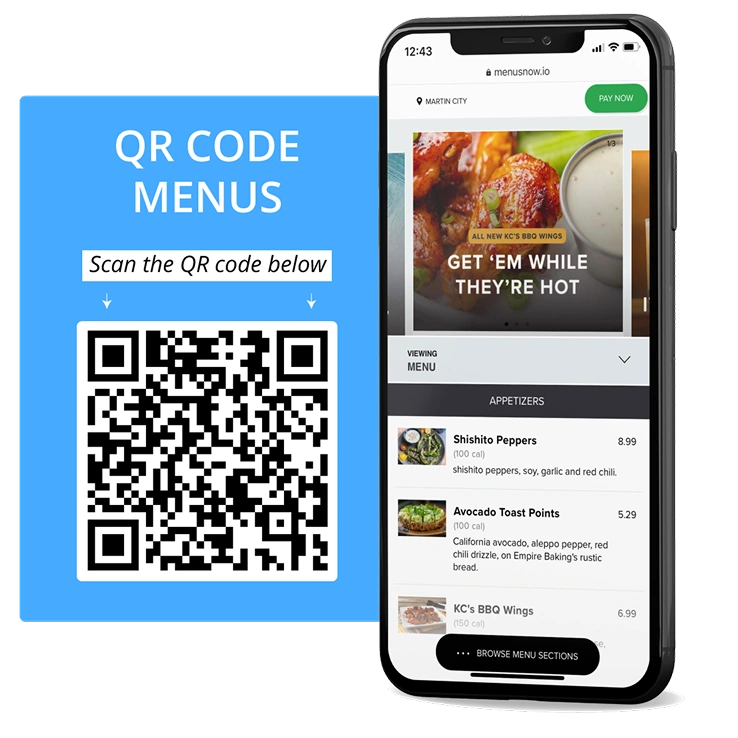
Integrations
RetailPOS for restaurants connects with the accessories and platforms you already use, including barcode scanners, receipt printers, weighing scales for bar and kitchen use, cash drawers, and card readers, so you are not replacing hardware to switch systems.
Beyond hardware, RetailPOS connects with the online aggregators, payment gateways, and loyalty tools that keep a modern F&B business running, so your delivery orders, digital payments, and customer engagement all flow into the same platform as your in-house billing and inventory data.
Key features of a Restaurant POS
What Restaurant Owners Actually Need From POS Software
Offer guests the flexibility to pay however they like, UPI, card, cash, QR, tableside, or online. Whether it is dine-in, takeaway, or a catering invoice, you are covered, with no hidden fees. See payment options →
Whether it is a dine-in guest, a Swiggy delivery, or a QR scan at the table, manage every order from one unified dashboard. Eliminate juggling devices or re-entering orders. One view, full control. See order management in action →
Use built-in loyalty programs, cashback, and SMS campaigns to stay top of mind. Drive repeat visits with automated, personalized engagement, all from within the POS. Explore CRM and loyalty tools →
Get insights into sales trends, staff performance, menu items, and inventory usage. From staffing to stock to sales, get the full picture, anytime, from anywhere, including real-time visibility into your restaurant inventory management data. See restaurant analytics →
Flexibility First: Find the Perfect Fit for Your Restaurant Business
Choose the Deployment Model That Fits Your Restaurant

On-Premise Systems
Gain complete control with an on-premise POS, fully customizable, cost-effective, and ideal for restaurants that require offline access and secure local data management, even during connectivity issues at the counter.

Cloud Solutions
Lower upfront costs and gain flexibility with a cloud-based restaurant POS. Get real-time access to sales and inventory data, automatic updates, and effortless scalability as you add outlets.

Mobile and Tablet Solutions
Streamline billing with a compact, mobile-ready POS, ideal for food trucks, pop-ups, and counters with limited space. Cut hardware costs while keeping service fast.
Hear From Our Customers
Unipro’s robust and user-friendly POS software makes billing effortless, even for non-technical users. Features like PDA integration and GST filing support reduce errors and add great value. It’s been an essential asset in our business growth.

Seoul Store
Founder @ Seoul Store
I’m thrilled with RetailPos automation billing software! The inventory management feature has transformed our business, making it effortless to keep track of all the stocks. Being able to process multiple bills simultaneously has saved us so much time, customers are really happy about it and the cloud backup ensures our data is secure.

Kovai Pazhamudhir cholai
Founder @ Kovai Pazhamudhir cholai
We have been using Retailpos from 2012 . Software is very technically strong , even unskilled staff are able to use the billing pos without any error . Thats the biggest plus with them .With more add on features like (PDA, INTEGRATION FOR MY BILLING TO REDUCE MANUAL ERROR)and reduce the GST works for the shop owner is a big benefit .

Sri Jaya Supermarket
Owner @ Sri Jaya Supermarket
See RetailPos in Action
Get Started With Restaurant POS and Inventory Software Built for Your Business
Frequently asked questions
Restaurant inventory management software tracks ingredient-level stock instead of just finished products, automatically deducting the ingredients used in each recipe as orders are billed. This gives restaurant owners real-time visibility into stock levels, food cost, and wastage, rather than relying on manual, end-of-day stock counts.
Regular retail inventory software tracks individual products as single units sold. Restaurant inventory management software needs to understand recipes, so it can deduct multiple ingredients in specific quantities every time a single dish is sold, and account for wastage, portioning, and perishability, which generic retail inventory tools are not built to handle.
Yes. RetailPOS's restaurant inventory system tracks stock at the ingredient level using recipe data, so when a dish is sold, the exact ingredients and quantities defined in that recipe are automatically deducted from stock, giving you accurate, real-time ingredient counts.
Yes. Restaurant inventory control software that ties directly into your billing and recipe data surfaces wastage and over-portioning quickly, since actual ingredient usage is compared against what recipes say should have been used, making shrinkage visible instead of an unexplained monthly loss.
Yes. A restaurant inventory management system built for multi-outlet operations gives head office a consolidated, real-time view of stock across every location, while still preserving outlet-level detail for local purchasing and ordering decisions.
Yes. RetailPOS calculates recipe costing based on current ingredient prices and defined recipe quantities, so you always know the real cost of every dish on your menu, which supports more accurate menu pricing decisions.
In RetailPOS, inventory is not a separate system. It is directly connected to billing and the kitchen display system, so every sale automatically updates ingredient stock in real time, without requiring manual reconciliation between a POS and a separate inventory tool.
Since food cost is typically one of the largest controllable expenses in a restaurant, ingredient-level inventory tracking surfaces cost overruns, wastage, and pricing mismatches quickly, so corrective action can happen before losses accumulate over a full month.
Yes. RetailPOS's restaurant inventory management software can flag ingredients approaching expiry and alert on low stock levels, so purchasing and menu planning decisions can be made proactively rather than reactively.
No. RetailPOS combines restaurant POS billing, kitchen order management, and inventory management in one connected platform, so ingredient stock updates automatically as orders are placed, removing the need for a separate spreadsheet or standalone inventory tool.